Search the Community
Showing results for tags 'new product'.
Found 6 results
-
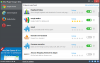
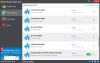
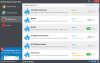
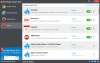
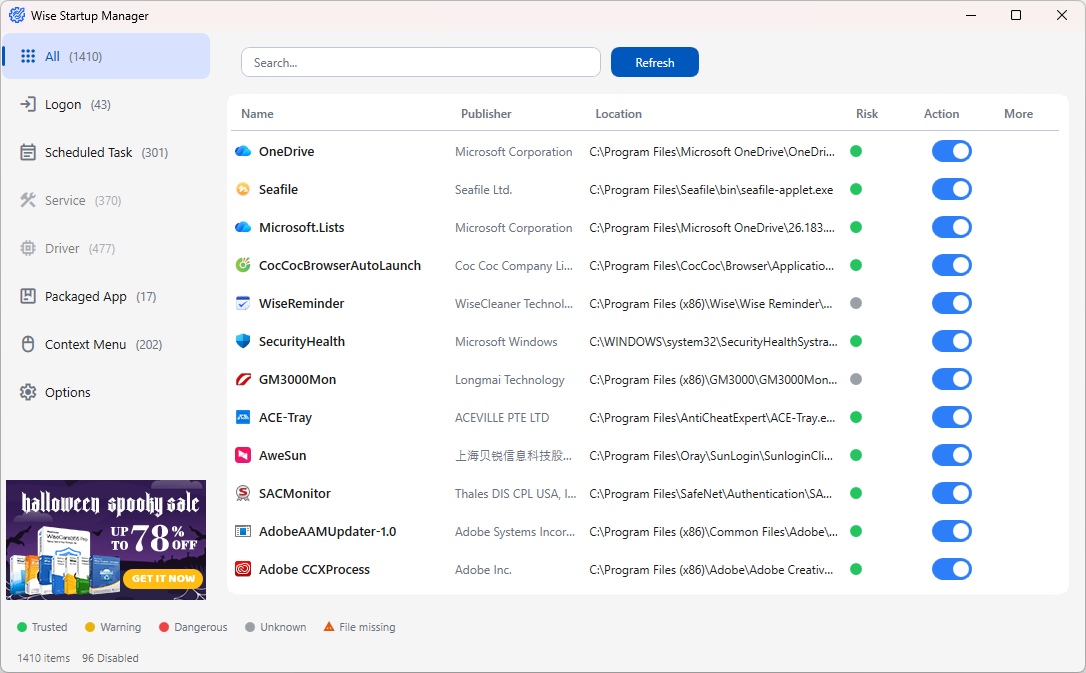
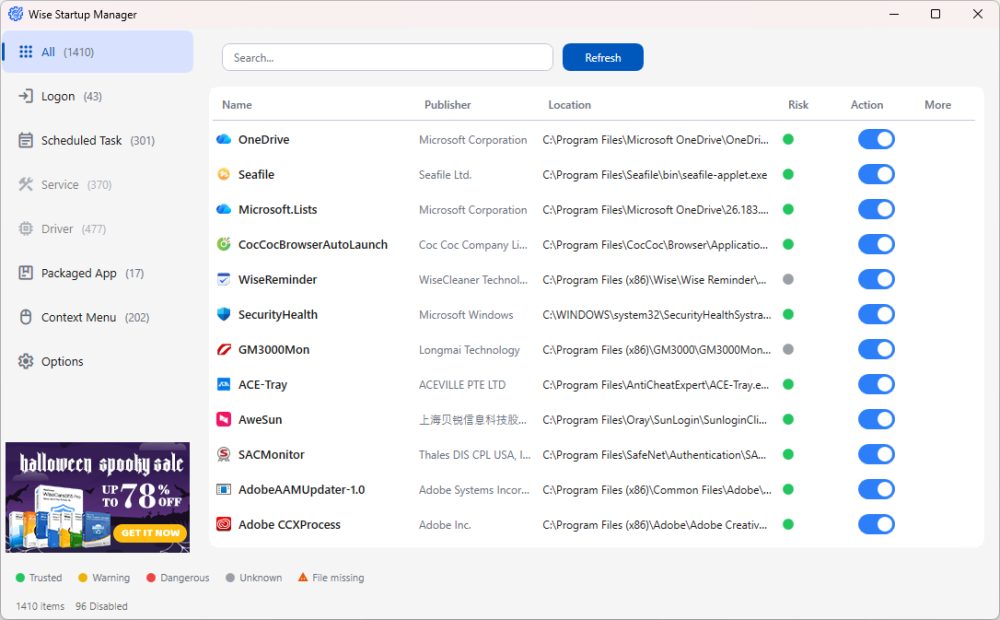
 Hi everyone, We’re excited to introduce Wise Startup Manager (WSM), a new free tool from WiseCleaner designed to help you manage Windows startup items, improve boot efficiency, and keep your system running smoothly. WSM gives you a clear overview of what runs when Windows starts, from startup programs and scheduled tasks to services, drivers, and Microsoft Store apps. With built-in risk analysis and signature verification, you can more easily identify suspicious or unnecessary items and decide what should run on your PC. Key Features Comprehensive Startup Management: View and manage logon programs, scheduled tasks, services, drivers, Store apps, and context menu extensions in one place. Startup Risk Analysis: Identify trusted, potentially risky, dangerous, or unknown items, with warnings for missing files. Digital Signature Verification: Check signature status and publisher information to help identify suspicious files. Easy Enable/Disable: Turn startup items on or off with just one click. Backup & Restore: Back up startup configurations and restore them when needed, helping make changes safer and reversible. Startup Popup Tracer: Identify scripts and console programs that cause a black command window to flash briefly during startup. Advanced Tools: Access startup entries in Registry Editor or Task Scheduler, and use Geek Mode to inspect additional service and driver details. Light & Dark Themes: Choose the interface that suits you best. Download Wise Startup Manager Beta: https://downloads.wisecleaner.com/soft/WiseStartupManager_1.0.0.129.zip We’d love for you to give it a try and let us know what you think! As this is a beta release, your feedback is especially valuable. If you encounter bugs, notice anything unexpected, or have suggestions for new features or improvements, please share them in the comments below. Thank you for helping us make Wise Startup Manager better!
-
 New released beta version - Wise Video Player Smart and Powerful, that you can play any format videos. It is an all-powerful video player, also an audio player. Supported video formats: .asf, .avi, .wm, .wmp, .wmv, .ram, .rm, .rmvb, .rp, .rpm, .rt, .smil, .scm, .m1v, .m2v, .m2ts, .mp2v, .mpe, .mpeg, .mpg, .mp4, .3gp, .mov, .flv, .swf, .mkv, .mts Supported audio formats: .acc, .ac3, .mla, .m2a, .m4a, .mp2, .mp3, .mpa, .mpc, .wav, .wma, .mid, .midi, .oga, .ogg Be the first to experience the beta version! Click Here to download Wise Video Player Tell us whether you like it! ( or ) Your valuable feedback makes the new-born better! Thank you in advance! Release note: v1.55.82 (Jan. 25, 2017) The first beta version
- 13 replies
-
- 32
-

-
- wise player
- all-powerful player
- (and 3 more)
-
New released beta version - Wise Folder Hider 4 Wise Folder Hider 4 providing much more enhanced security than previous version for files and folders on your Windows PC. Wise Folder Hider 4 defends your private files from being read even when found by a third-party tool. Major update: New added Encryption function. Please Note: 1, We DO NOT provide Password Retrieve service from wise folder hider 4, this service upgrades to Password Reset service, it is Free for registered user (wise folder hider Pro version). 2, During this beta period, you can try full function of wise folder hider 4, but this Password Reset service is Turned Off. So, please keep your password in safe in case you forget it. Be the first to experience the beta version & Protect your private files! Click Here to download it. Tell us whether you like it! ( or ) Your valuable feedback makes the new-born better! Thank you in advance! Release note: v4.11.143 (Jan. 13, 2017) + Improved Encryption Folder + Update English file ******************************************** v4.11.143 (Feb. 07, 2017) + Improved UI + Enabled Password Reset function + Updated English file ********************************** v4.11.145 (Feb. 21, 2017) The last one beta version. + Improved UI + Fixed a bug that open a hidden folder but don't display contained files. + Updated English file *********************************** v4.11.145 (Feb. 24, 2017) We released the official version.
-
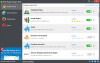
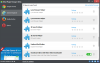
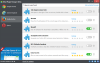
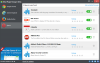
New Product Preview: WiseCleaner.com is about to release a new freeware named Wise Plugin Manager! Be the first to experience the beta version & Ease all your browsers at once! Direct download: http://www.wisecleaner.com/soft/WPMSetup.exe Tell us whether you like it! ( or ) Your valuable feedback makes the new-born better! Thank you in advance!
- 37 replies
-
- 11
-
-
- Wise Plugin Manager
- New product
- (and 1 more)
-
Dear users, We have just released a new product: Wise System Monitor Beta, a free and functional system monitoring tool. As we all know, Once system resources reach full capacities, or the hardware components get too hot, full functionality cannot be guaranteed. It is more than necessary to monitor the real time system and hardware condition of our PC. Wise System Monitor Beta offers you a simple way to achieve that. It enables you to monitor memory usage, CPU usage, all the processes running and main hardware component info of your PC. Since you know what is consuming your RAM and CPU, which part of your PC is overheated, you can deal with them accordingly to ensure your computer functionality. Click here for direct download: http://downloads.wisecleaner.com/soft/WSMSetup.exe However, there is still space for improvement for this beta version, please leave a comment or write down the bugs you found below. We would really appreciate that. Thank you! WiseCleaner Team

-
 New Product Preview: WiseCleaner.com is about to release a new freeware named Wise Plugin Manager! Be the first to experience the beta version & Ease all your browsers at once! Direct download: http://www.wisecleaner.com/soft/WPMSetup_beta.exe Tell us whether you like it! ( or ) Your valuable feedback makes the new-born better! Thank you in advance!